JSON Formatting vs Validation: Fix Common Errors Safely
AIUseFlow Editorial · Published 2 November 2026 · Updated 10 November 2026 · Practical guide
Pretty indentation can make JSON easier to inspect, but formatting and correctness are different questions. First the text must follow JSON syntax. Then its values and structure must satisfy the application receiving it. A formatter helps with the first stage; it cannot tell you whether an invoice amount or API permission is the value you intended.
Start with a safe copy
Work on a copy of the document. Remove real access tokens, passwords and private customer information before using a sample in a tutorial or support discussion. AIUseFlow’s formatter handles the input in the browser, but your screen, clipboard and downloaded files still need care. Use small fictional values when learning so an accidental share will not expose live credentials.
Recognize common syntax mistakes
JSON uses double quotes for object keys and string values. A trailing comma after the last property is not valid JSON. Comments and unquoted words are other common causes of parsing failures. For example, {"name":"Demo","active":true} is a small valid object. Inspect the area near a reported error, including the preceding line: the missing comma or closing bracket may be just before the highlighted position.
Format first, then inspect the meaning
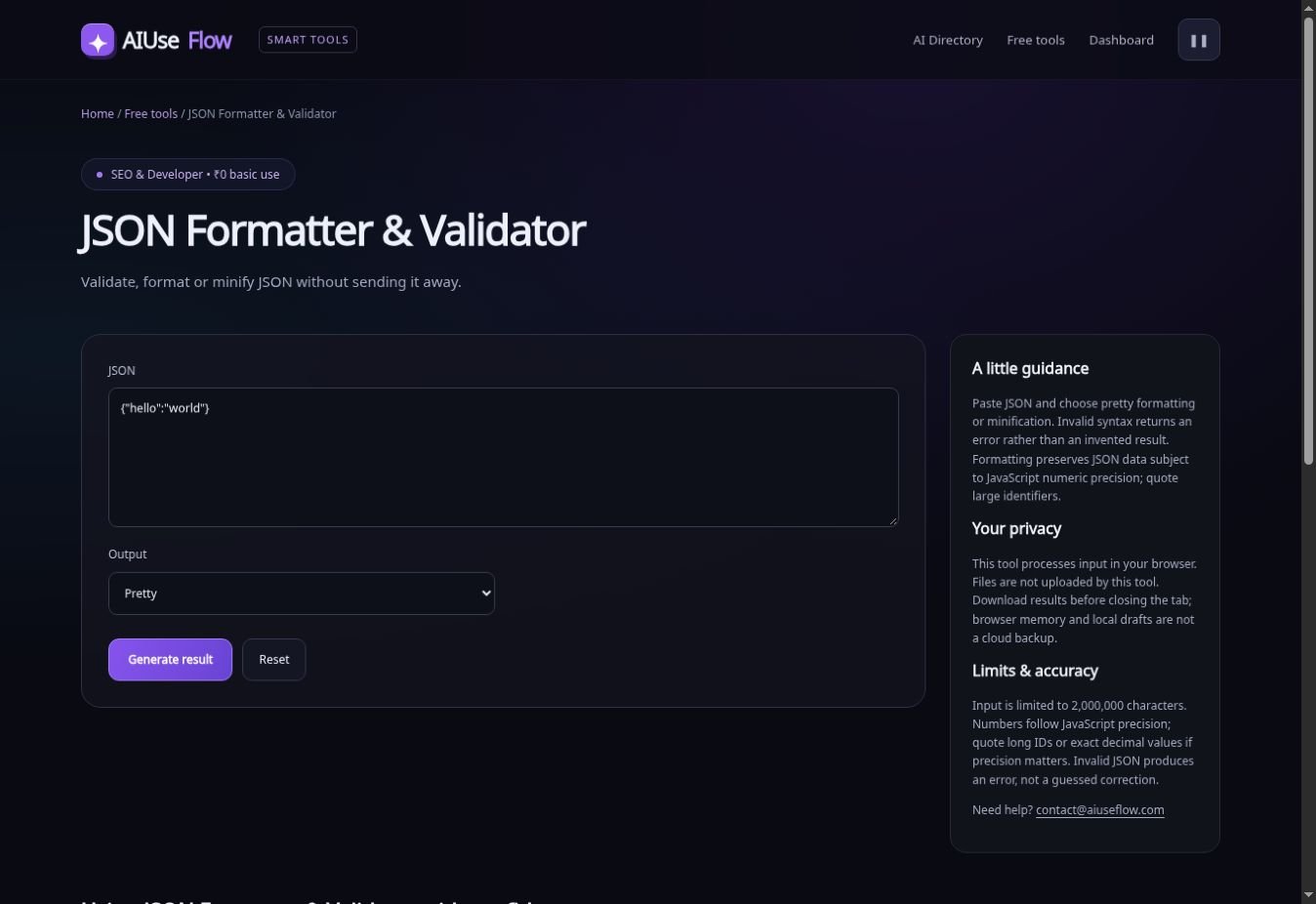
Paste the text and choose the formatting action. If validation fails, repair one problem at a time and retry. After formatting succeeds, inspect nesting, array lengths and the types of important fields. A value of "12" is a string, whereas 12 is a number. Both can be valid JSON; the receiving application may accept only one. Compare the result with that application’s own API documentation or schema.
Avoid destructive cleanup
Do not fix every quotation mark with a global search-and-replace: legitimate text can contain escaped characters. Preserve a backup of the original and compare changes before replacing a configuration file. Minification removes unnecessary formatting space; it is not encryption. A compact JSON download can still reveal everything inside it. Finally, test changes in a development environment before applying them to a live service.
Quick answers
Does valid JSON mean my API request will succeed?
No. Authentication, field names, value types and business rules can still cause the request to fail.
Are JavaScript objects always valid JSON?
No. JavaScript object notation can contain syntax or values that JSON does not permit.
Source and editorial note
This practical workflow is AIUseFlow editorial guidance based on the current tool interface. Reference documentation was checked on 2 November 2026. Browser limits and recipient requirements can vary. Basic utilities cost ₹0 and do not enroll you in payments.
Topic: JSON formatter and validator