Build UTM Links with a Naming Convention You Can Maintain
AIUseFlow Editorial · Published 2 November 2026 · Updated 10 November 2026 · Practical guide
Campaign links are most useful when the names still make sense a month later. Before generating a URL, agree on a small naming convention for source, medium and campaign. This is a labeling task, not a promise that every visitor or conversion will be recorded by your analytics system.
Decide what each field means
Use source for the referring place, medium for the channel and campaign for the shared initiative. For an example newsletter launch, you might choose source=weekly_newsletter, medium=email and campaign=november_tools. Keep spelling and capitalization consistent. If two people use different labels for the same channel, reports become harder to compare. Record the convention in a small shared sheet before distributing links.
Build one link and inspect it
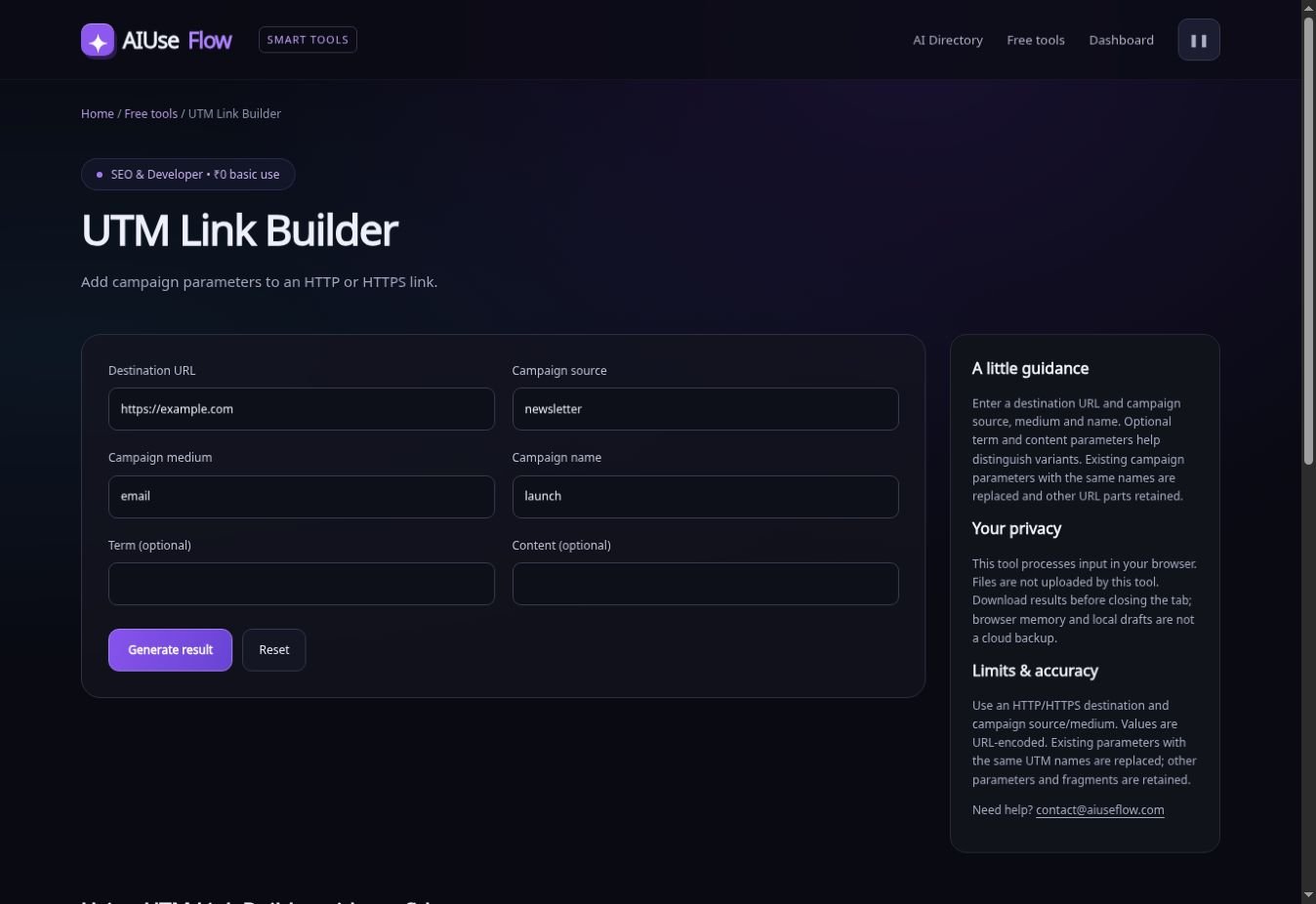
Enter the full public destination in the UTM builder, then add your chosen campaign values. Generate the URL and read the output before copying it. Preserve unrelated query parameters that the destination needs. Values containing spaces or special characters may appear encoded in the final link; that is normal URL handling. Do not manually remove encoding merely to make the link look shorter.
Use content labels for a real comparison
If the same newsletter contains two different calls to action, an optional content label can distinguish their placements. For example, hero_button and footer_link are easier to understand than version1 and version2. Change one comparison dimension at a time so the report answers a question you actually care about. Never place names, email addresses, passwords or private identifiers in campaign labels: URLs can be copied, logged and shared.
Verify the full journey
Open the generated link in a fresh tab. Confirm that it lands on the correct page and inspect whether redirects preserve the parameters. Check your analytics implementation separately; a URL builder does not install analytics or override a visitor’s consent choice. Keep the original campaign link and the publication date in your records. Avoid adding campaign parameters to ordinary internal navigation because that can confuse how you interpret acquisition activity.
Quick answers
Will a UTM link automatically track sales?
No. Your analytics and conversion measurement must be configured and functioning separately.
Should every link use a different campaign name?
Use one campaign label for the same initiative, then distinguish placements with other appropriate fields.
Source and editorial note
This practical workflow is AIUseFlow editorial guidance based on the current tool interface. Reference documentation was checked on 2 November 2026. Browser limits and recipient requirements can vary. Basic utilities cost ₹0 and do not enroll you in payments.
Topic: UTM link builder