Generate a Strong Password in Your Browser—and Store It Safely
AIUseFlow Editorial · Published 2 November 2026 · Updated 12 Nov 2026 · Practical guide
Generating a password solves only part of an account-security task. The result also needs to be unique, accepted by the service and stored somewhere you can recover safely. AIUseFlow’s generator uses the browser’s cryptographic random-number facility; you should still protect the generated password as a secret.
Check the service’s rules first
Read any minimum length, maximum length and permitted-character requirements. Choose a long random password within those constraints rather than making small variations of a familiar word. Do not reuse the result for another account. If you are changing an important credential, make sure you can access your recovery options before you begin so the change does not lock you out.
Generate without creating a public example
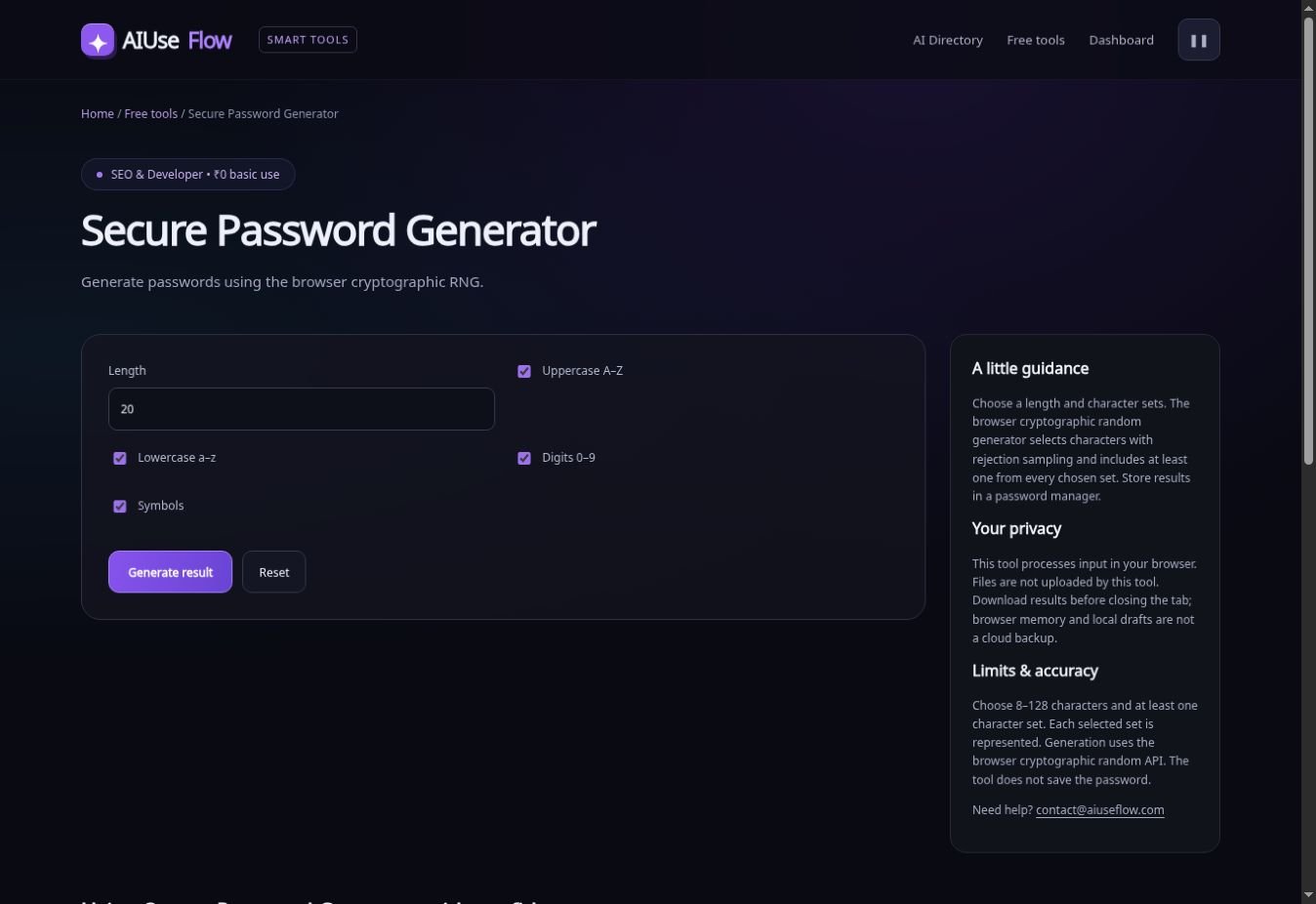
Open the generator on your own device and choose the supported length and character settings. Generate a fresh result for the account you are updating. Avoid taking screenshots or pasting a real generated password into a chat, email or public support ticket. A guide can show the controls without showing a password; the screenshot accompanying this article intentionally does not publish a usable secret.
Store it before leaving the task
Use a reputable password manager or another secure method appropriate to your situation. Copy the password only when you are ready to enter it into the intended service. Remember that other applications or device features may retain clipboard history. Confirm the destination domain before pasting. Do not save the only copy in an unprotected note or send it to yourself as a convenient reminder.
Complete the account’s own security steps
Follow the service’s password-change process and confirm the new sign-in works. Enable an appropriate additional authentication method when available and keep recovery material secure. A strong random password does not protect against every phishing page, stolen session or compromised device. The browser utility does not check whether an account has already been breached and does not manage the account’s authentication settings for you.
Quick answers
Does the generator send the password to a server?
The ordinary generation operation runs locally in the browser. Treat the resulting screen, clipboard and saved copy as sensitive.
Can I use one strong password everywhere?
Use a different password for each account so one compromise does not expose all of them.
Source and editorial note
This practical workflow is AIUseFlow editorial guidance based on the current tool interface. Reference documentation was checked on 2 November 2026. Browser limits and recipient requirements can vary. Basic utilities cost ₹0 and do not enroll you in payments.
Topic: secure password generator