Create a Freelance Invoice PDF: Fields, Totals and Final Checks
AIUseFlow Editorial · Published 2 November 2026 · Practical guide
A useful invoice tells a customer what was supplied, how the amount was calculated and what they need to do next. A polished layout helps, but clear line items and correct totals matter more. This guide covers document preparation; it does not determine your tax registration, reporting or legal obligations.
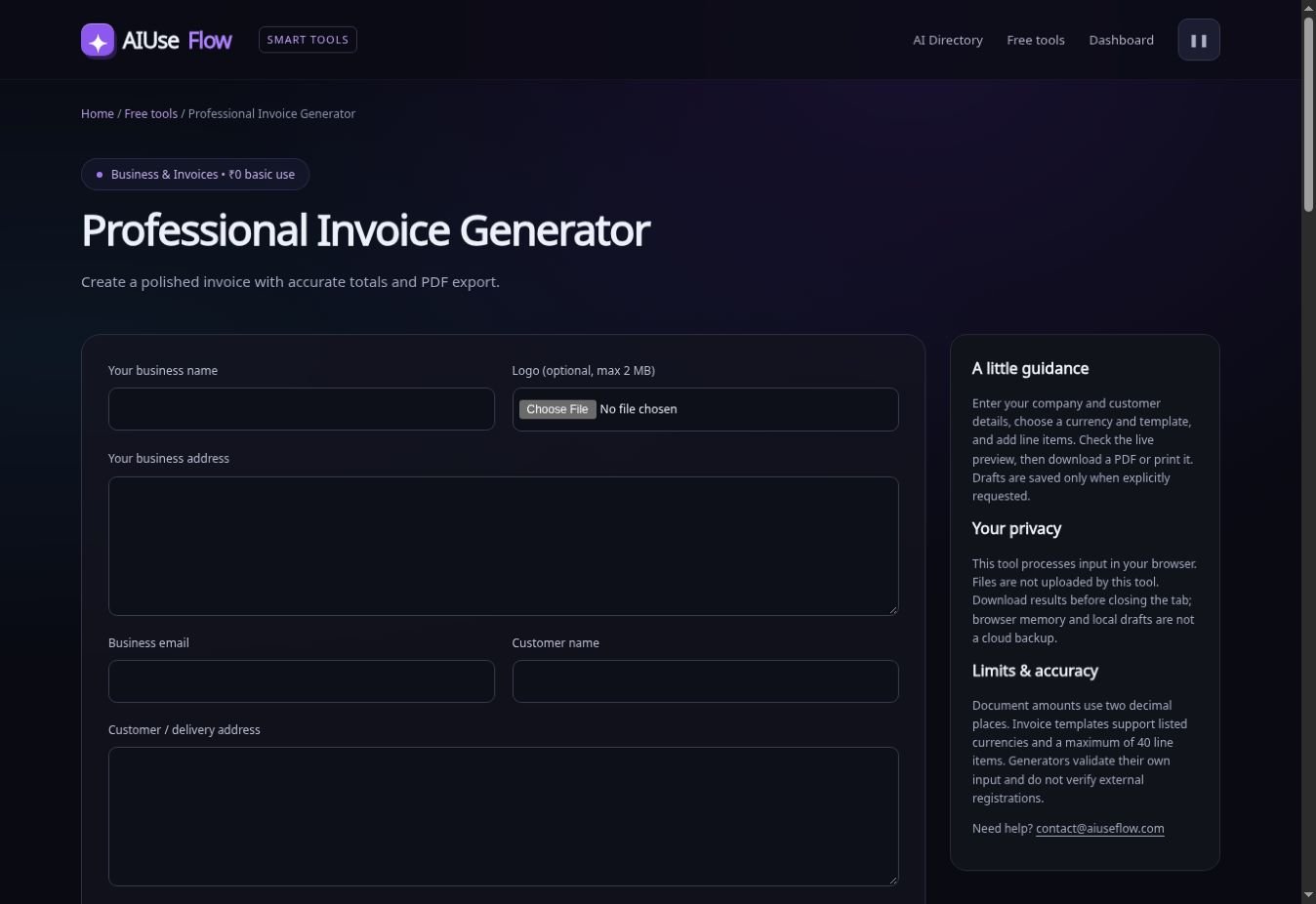
Collect the details before designing
Prepare the business name, customer details, invoice number, issue date and due date. Choose the correct currency and write payment instructions that the customer can follow. Describe each item in terms of the work delivered, rather than using a vague label such as services. If an agreement or purchase order has a reference number, include it where appropriate so the customer can match the invoice.
Check the calculation with a small example
For a sample invoice, two units at 100.25 each produce a subtotal of 200.50. A 10% discount on that subtotal is 20.05, leaving 180.45 before any applicable tax. Enter those sample values if you want to understand the calculation before preparing a real invoice. Confirm what any discount or tax field applies to. Do not add a tax merely because a template offers the option.
Review the document as your customer would
Use the live preview to inspect long descriptions, the company logo, customer spelling and the final amount. Select the currency intentionally; changing a symbol is not the same as converting an agreed price. Keep payment terms concise and consistent with the agreement. If you need India GST fields, use the dedicated GST tool and confirm the required treatment with a qualified adviser.
Export, record and follow up
Download the PDF and open the saved copy to check page breaks and totals. Keep a record of the invoice number and the document you sent. A local draft is convenient, but it is not an accounting backup and may disappear when browser storage is cleared. An invoice requests payment; it does not prove payment was received. Issue a receipt only after checking the transaction through your actual payment process.
Quick answers
Does creating an invoice charge my customer?
No. Creating or downloading this document does not initiate a payment.
Can I use the generator without an account?
Basic invoice generation is free. Save and protect your own records separately.
Source and editorial note
This practical workflow is AIUseFlow editorial guidance based on the current tool interface. Reference documentation was checked on 2 November 2026. Browser limits and recipient requirements can vary. Basic utilities cost ₹0 and do not enroll you in payments.
Topic: freelance invoice generator