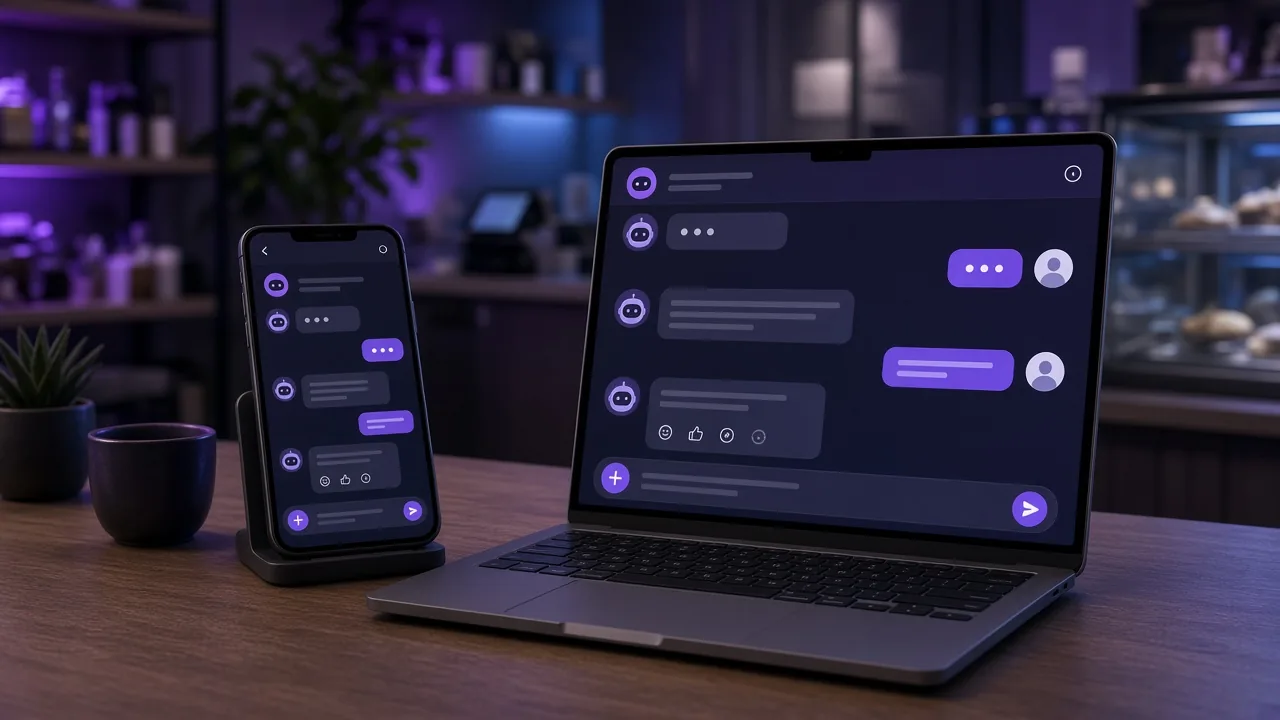
AI Chatbots for Business: How They Work
An AI chatbot for business is software that can take a customer’s question in everyday language and reply with a useful answer — or pass the conversation to a person. It is not a magic receptionist, and it is not the same as a simple button menu. Used carefully, it takes the repeat questions off your plate so your team can handle the ones that need judgement.
This guide explains what a business chatbot is, how it works, where it helps, how to get started, and the limits to watch for. It sits under our pillar on AI solutions for business. If you are comparing tool types, you can also browse our chatbots directory and our guides on AI receptionist tools and what a website chatbot can cost (always check official pricing pages; we do not invent figures here).
What an AI chatbot is
Older site “chatbots” were often decision trees: the visitor tapped “Shipping” and got a fixed paragraph. An AI chatbot still needs your content, but it can interpret a question written in the visitor’s own words — including typos, mixed languages, or a question that does not match a button label.
For a business, the useful version is a constrained assistant:
- It answers from material you approve (an FAQ, a policy page, a product list, opening hours).
- It stays in a tone you describe: short, polite, no slang if you do not use slang.
- It admits when it does not know, and offers a way to reach a person.
- It does not invent discounts, legal promises or medical claims.
That is different from an open-ended consumer chatbot, which will happily discuss anything and may fabricate details. If your bot can wander off your topic, it is not ready to face customers.
How it works
A typical business setup has four parts:
- A channel. A widget on your website is the usual start. Some tools also cover WhatsApp, Instagram or a shared inbox. One channel done well is better than four half-connected ones.
- Your source material. Pages, documents or a knowledge base the bot is allowed to use. If a fact is not in that material, the honest behaviour is “I don’t have that — here’s how to ask us.”
- Instructions. A short brief: who you are, what the bot may do, what it must never do, and when to hand over.
- Handoff. A path to email, a form, a phone number, or a live person. Without this, frustrated visitors have nowhere to go.
When a question arrives, the tool retrieves relevant snippets from your material, drafts a reply, and shows it in the chat. Some tools also collect a name and contact detail. That collection should be obvious to the visitor and consistent with your privacy policy.
You do not need to understand the model internals. You do need to read real conversations after launch. The transcript is the product.
Use cases
Chatbots earn their place on questions you already answer often:
- Practical details. Hours, location, delivery areas, return windows, what to bring to an appointment.
- “Do you offer this?” A clear yes, no, or “it depends — here’s the rule,” drawn from your own list of services or products.
- Simple status questions — only if the bot is actually connected to order or booking data. If it is not connected, do not let it guess.
- After-hours triage. Collect the question and a contact method so the morning is not a pile of missed chats.
- Internal use. A staff-only bot that answers from an employee handbook can be a safer first test than a public widget.
Reception-style uses (booking, routing a call) overlap with tools we discuss in AI receptionist tools for small businesses. Support-style uses overlap with AI customer support agents. Read those when you are shortlisting products; keep this page for the method.
A chatbot is a poor fit as the only place to file a complaint, complete a payment, or get advice you would not put in an unsupervised FAQ.
How to get started
- List the ten questions you answer most often and write the approved replies. If two people on your team would answer differently, settle the wording first.
- Choose one public page or one channel for a trial, not the entire site on day one.
- Write the “never do this” list. No invented prices. No guarantees. No collecting ID documents in the chat. No medical or legal advice if you are not set up to give it.
- Set a clear handoff with hours and a backup email or form, including a link to contact options if that is how you work.
- Test like a difficult customer. Ask vague questions, off-topic questions, and questions whose answers are not in your FAQ. Watch whether the bot refuses cleanly.
- Launch quietly and read transcripts on a fixed cadence — for example, every day for a short period, then weekly. Fix the source articles before you add more channels.
For a wider view of how chatbots sit next to automation and lead follow-up, see AI solutions for business and AI lead management.
Limits and what to watch for
- Hallucinations. A chatbot can invent a policy, a date window, or a product variant. If you have not connected a live catalogue or you have not written the rule, it should not improvise.
- Stale content. When you change a price or a timetable, update the source the bot reads. Otherwise it will confidently quote the old version.
- Privacy and records. Chats may contain names, addresses and order details. Know where transcripts are stored, who on your team can see them, and how long they are kept.
- Tone mismatch. A jokey bot can undermine a serious brand; a stiff bot can feel unhelpful. Tune with real examples, not a single adjective.
- Endless loops. If the visitor keeps rephrasing and the bot repeats itself, it should offer a human. Trapping people in chat is worse than no bot.
- Cost and complexity. Fees vary by vendor and usage. Check official pages, and count your own time to write and maintain content. Our website chatbot cost guide walks through the kinds of costs to look for, without stand-in numbers.
FAQ
Is a button menu enough instead of an AI chatbot?
If almost every visitor needs one of five obvious paths, a simple menu or a well-written FAQ may be enough. AI helps when questions are messy or too numerous to button-up. Many sites use both: quick links on top, AI for the rest.
Can the bot take payments or place orders?
Only if it is properly connected to your checkout or booking system and you have tested failures (timeouts, sold-out items, payment errors). Do not let a free-text bot “confirm” an order it cannot actually place.
What language should it use?
Match the language of your customers and your source pages. If you serve people in more than one language, plan approved content in each language rather than relying on unreviewed translation.
How do we know it is working?
Look at handoff rate, unanswered questions, corrections your team had to make, and whether people still email the same basics. If transcripts are full of apologies, the source material or the instructions need work.
An AI chatbot is a useful part of AI solutions for business when it is bound to your facts and easy to escape. Keep it narrow, read the chats, and let people reach you.
Contact Here if you want to talk about an AI chatbot for your business.